Fader Pilot Basic · five-channel audio controller
Audio,
on hand.
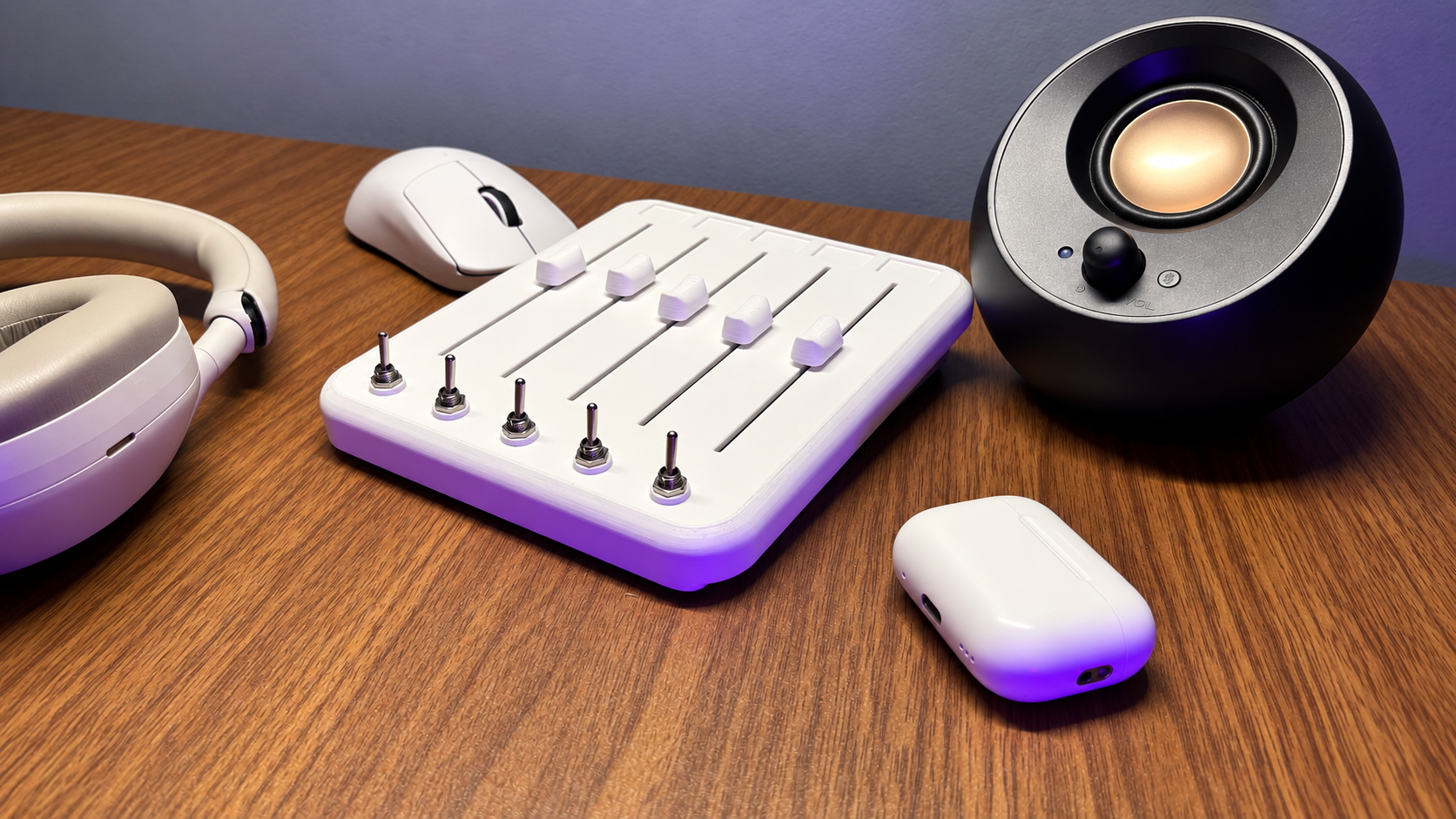
Fader Pilot Basic gives Windows app audio physical controls you can reach without breaking focus.
Overview
One channel
at a time.
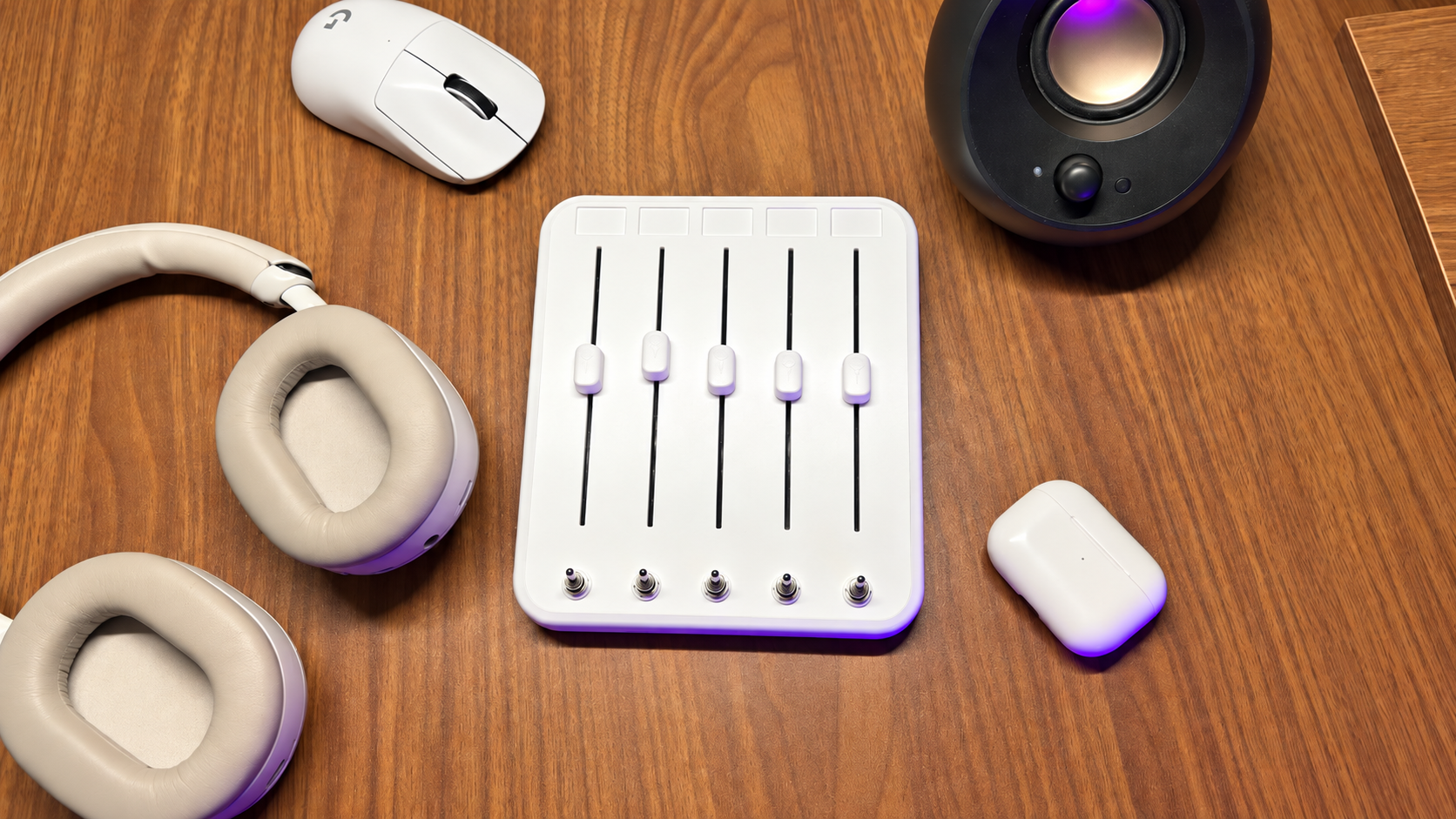
Assign one app or a group of apps to each channel. Set levels with the faders, mute with the switches, or dedicate a channel to Windows master volume.
Setup
Three steps
to your mix.
- 01
Connect
Plug in Fader Pilot Basic by USB and open the Windows companion app.
- 02
Calibrate
Follow the setup wizard and move each control when prompted.
- 03
Assign
Choose apps for each channel, then adjust levels by hand.
Ready to build?